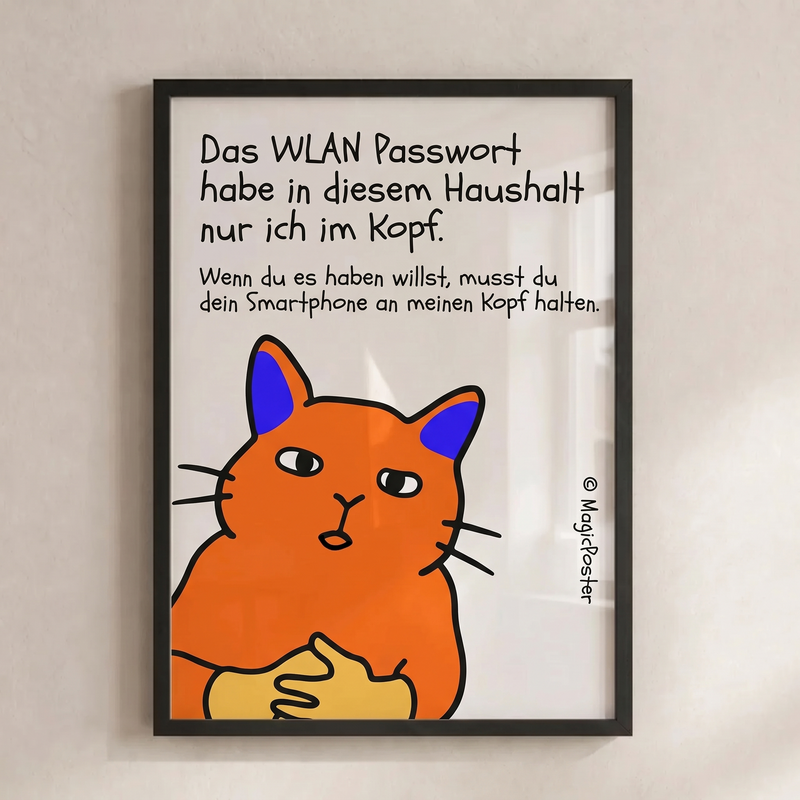
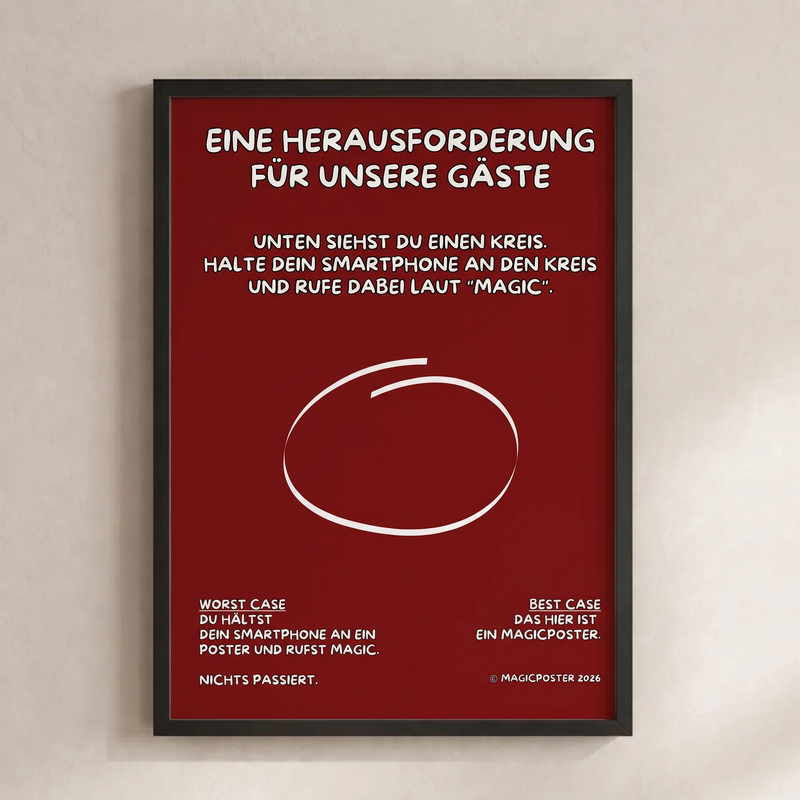
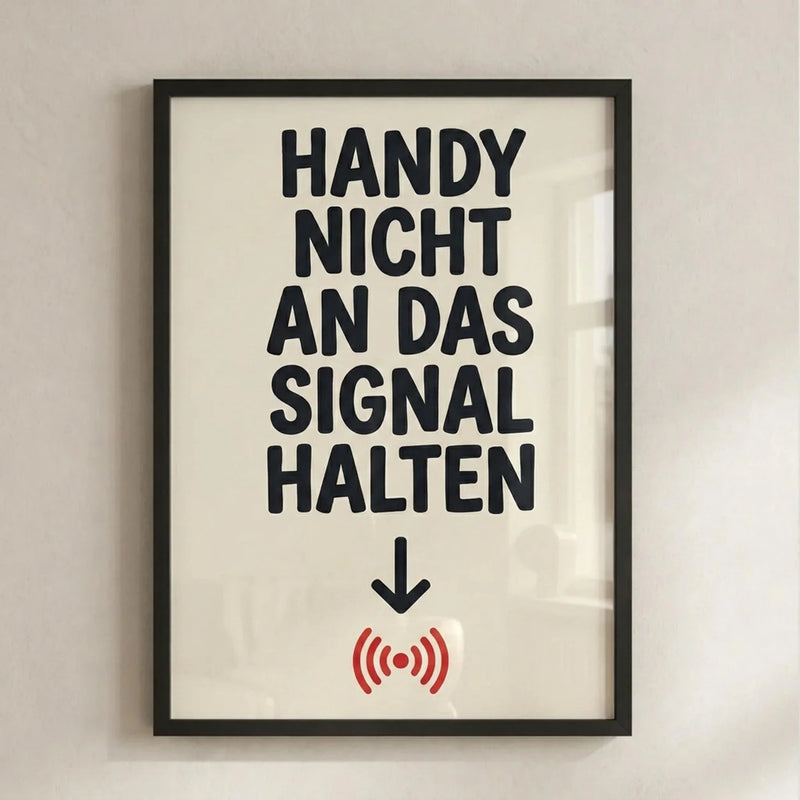
Guestbook
Answers, photos and little stories from the people who visit you.
Learn moreFor the people and moments that make a home.
Pictures that feel like you. Memories worth keeping. And a little Magic-Tag that lets you discover the stories behind your picture.

Choose a design, bring your own photo or add to a picture you already love.
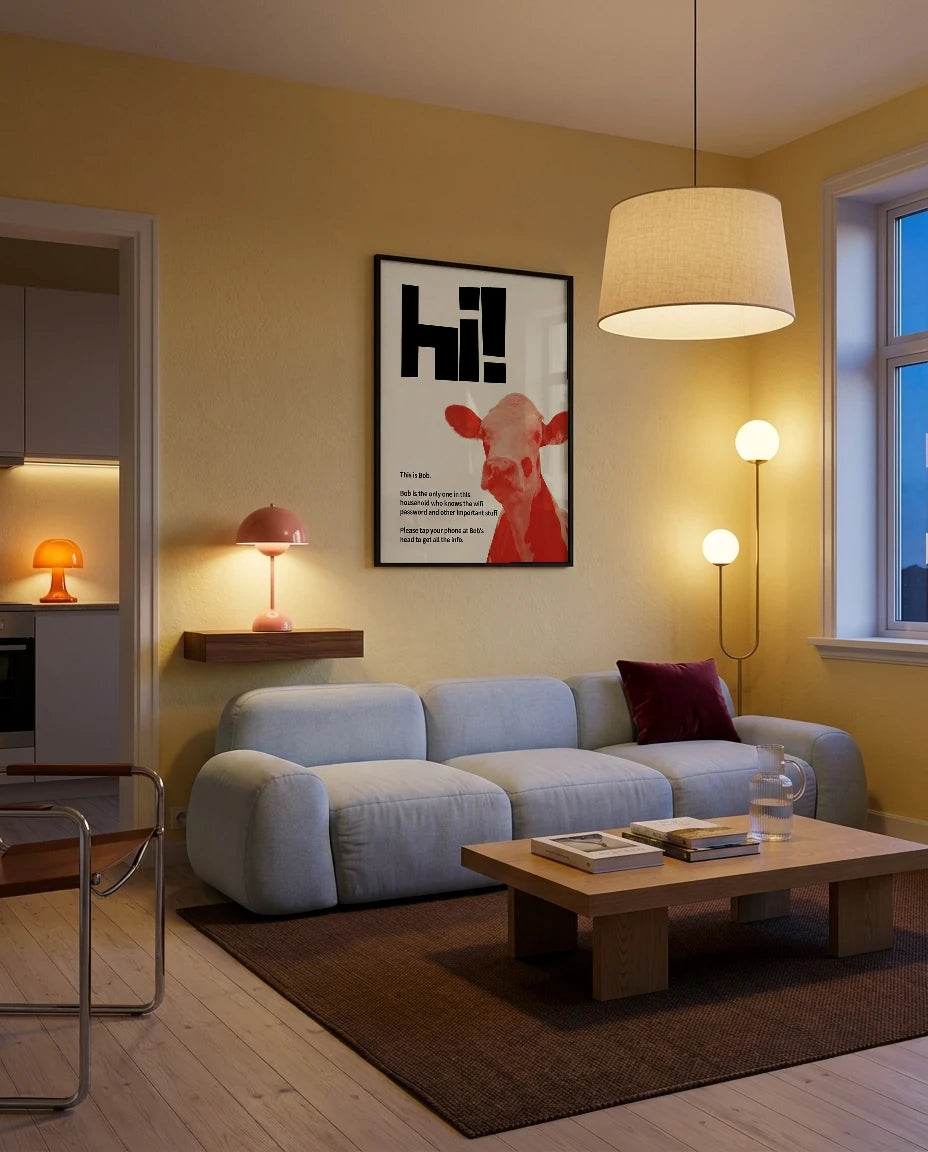
Find a design for your home, with a digital experience built in.
Choose a design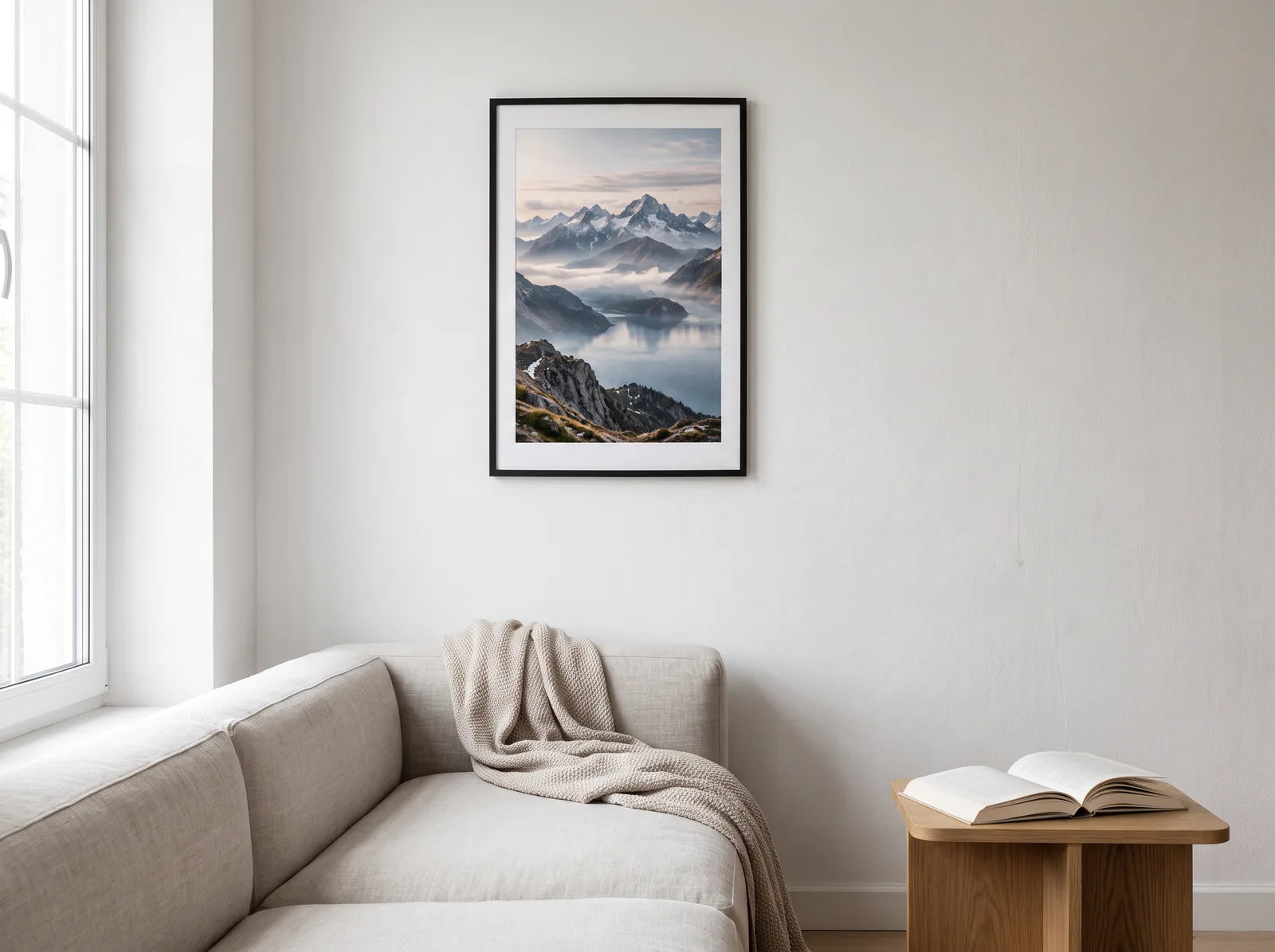
Your photo as a MagicPoster. Choose a size, upload your file and make it yours.
Upload your photo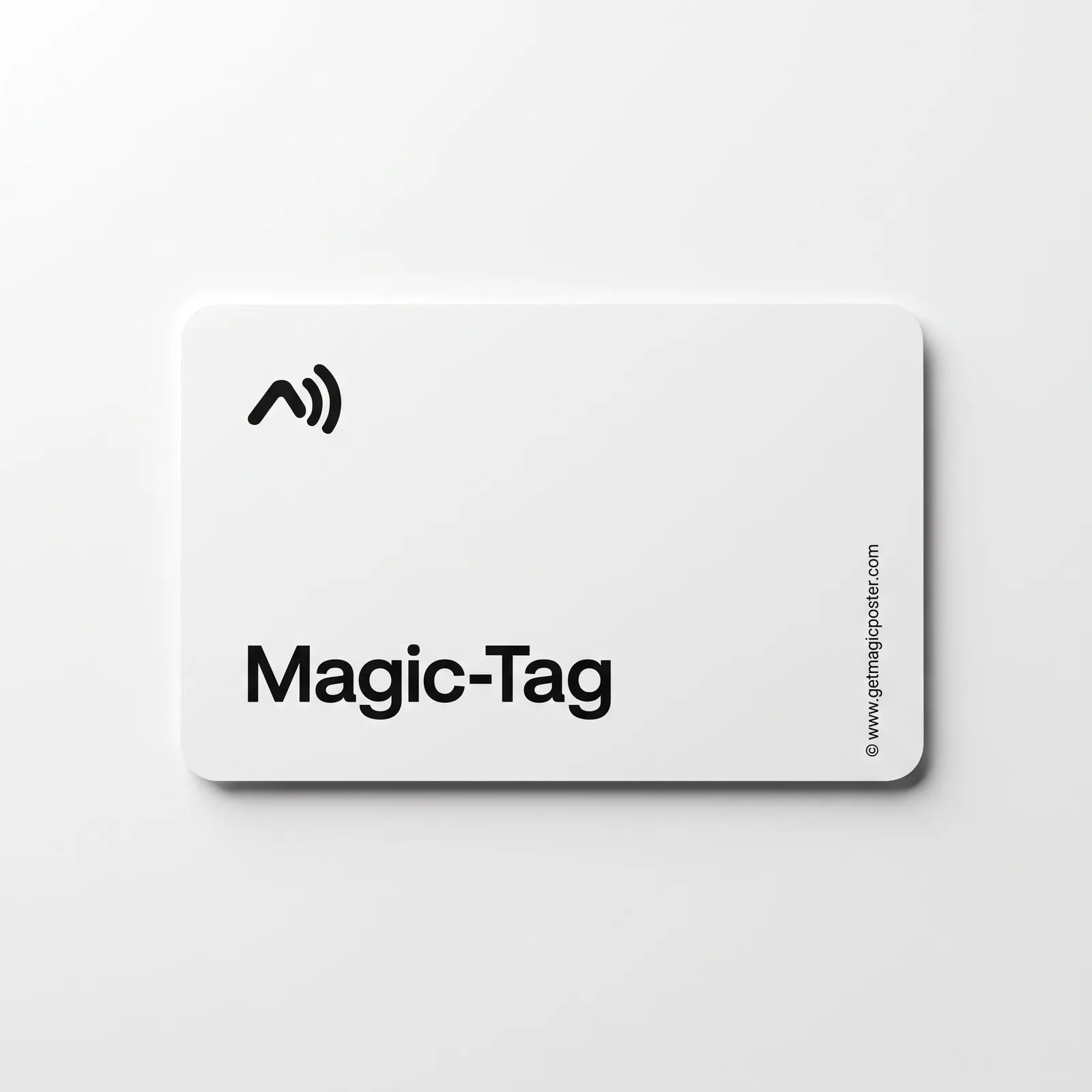
A little tag for a picture you already own. Attach it, set it up and let guests discover it.
Explore Magic-TagHow it works
From picture to digital experience in three steps.
 01
01Choose a MagicPoster or attach a Magic-Tag to a picture of your own.

As the owner, connect your picture to your chosen feature in the MagicPoster app.
 03
03Guests hold an NFC-enabled phone near the tag and follow the access shown. They can also use the provided QR code.
Illustrative example design · Example views from the MagicPoster app
Answers, photos and little stories from the people who visit you.
Learn more
A favourite picture on the wall. More shared moments on your phone.
Learn more
A welcoming way to share guest Wi-Fi. Connection steps depend on the phone.
Learn moreExample views from the MagicPoster app
Magic-Tag
Your chosen design is printed in the size you order. The white Magic-Tag connects the picture to your digital experience. Your poster is supplied without a frame.
The selected product and variant determine what is included. Decorations and smartphone are not included.
Explore Magic-TagYour own photo
Turn your own photo into a personal MagicPoster. Your upload stays attached to your order, with optional paid image enhancement.
Upload your photoGuests do not need to download the full MagicPoster app to use the intended guest access. Owners use the app for setup and management. Internet access and a compatible phone are required.
For configurable MagicPosters and Magic-Tags, choose the feature in the app. Design-specific products may be restricted: the Wi-Fi Cat is intended only for Wi-Fi.
When set up with a Magic-Tag, the guestbook includes 30 entries or the photo book includes 50 moments. Additional allowances and features such as PDF export may cost extra; pricing is shown before purchase. Optional image enhancement during photo upload is charged separately. Design-specific products such as the Wi-Fi Cat are limited to their stated feature.
Choose your size from the available variants. Posters are supplied without frames. Shipping costs and available delivery options are shown at checkout before payment.