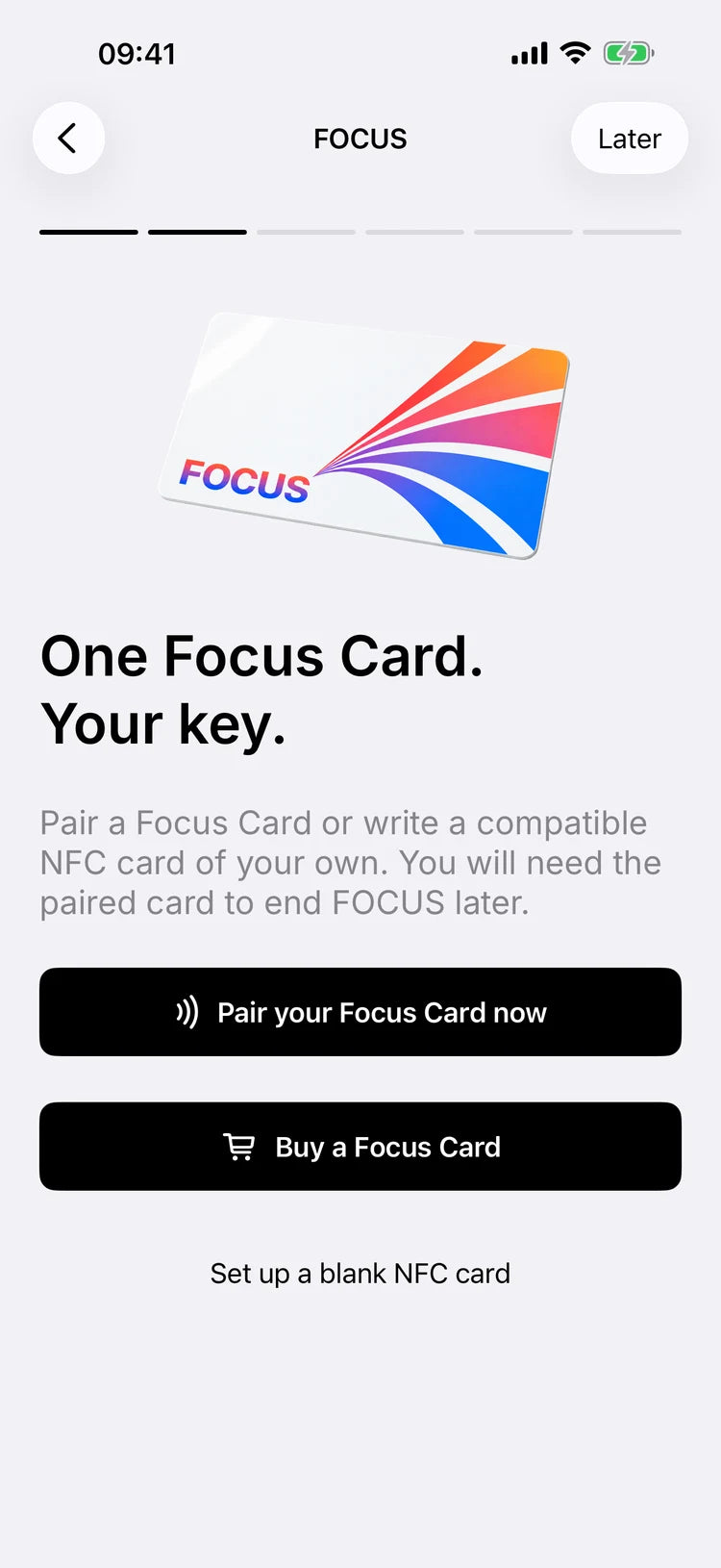
Pair it once.
Connect your card to the app using NFC. FOCUS guides you through setup and the required Screen Time permissions.


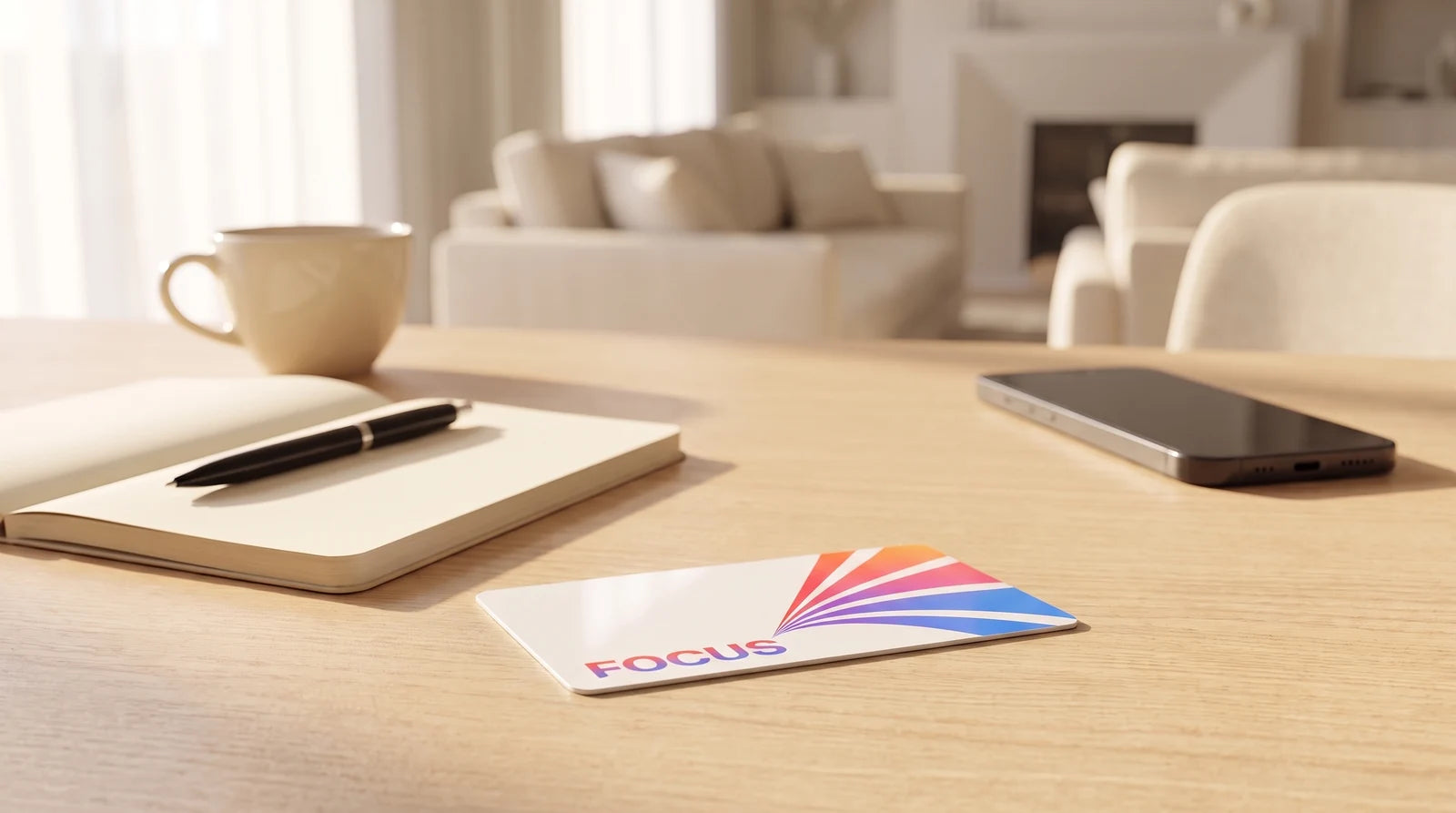

Product mockups illustrate the design. Phone and accessories are not included.
MagicPoster FOCUS
Your time. Your focus.
Less distraction. More room for what matters. Pause selected apps and websites on your iPhone with your own modes, schedules and paired NFC card.
€14,95 EUR per card
VAT included. Shipping extra.
One or five Focus Cards in the new colourful FOCUS design. Same shipping rates as the Magic-Tag: Germany, Austria and Switzerland letter shipping €3.50, express letter €4.90; international €7.00. Available options and currency amounts are shown at checkout.
Make time for what matters.
Read another chapter. Work without interruptions. Stay present in a conversation. Make your intention tangible: start your focus time and put your card aside. Give what you planned more room.
Card meets app
Set up FOCUS in the MagicPoster app. Choose the apps and websites to pause and when your focus time begins.
Connect your card to the app using NFC. FOCUS guides you through setup and the required Screen Time permissions.

Selected apps take a break. Scan your paired card to end a manual focus session. Schedules can also finish automatically at your chosen end time.
App view captured from the native MagicPoster interface. The shield shows its native configuration preview; iOS determines its actual layout. Appearance varies by device and app version.
Sign in to the MagicPoster app. Grant Screen Time permission, pair your card via NFC and select the apps you want to pause.
Start your focus time in the app or with the card. Put the card out of easy reach and get back to what you planned.
End a manual focus session with another scan of your paired card in the app. Schedules with an end time finish automatically. A link or QR code does not replace the NFC scan.
An iPhone with iOS 17 or later, the full MagicPoster app and a MagicPoster account. Set up Screen Time permission and NFC pairing in the app. FOCUS currently supports iPhone.
Yes. FOCUS is free to use with a MagicPoster account, with no FOCUS subscription or paid activation. This product is the physical NFC card in MagicPoster design, sold individually or as a five-card set.
No. Ending a manual or indefinite focus normally requires a new physical NFC scan of your paired card in the full app. A QR code or web link cannot replace that scan. Schedules with an end time can finish automatically.
The app offers limited emergency access. Put your card aside intentionally for planned focus time, but keep it safe. Current emergency-access conditions are shown in the app.
FOCUS helps you manage your own habits. It does not remotely manage children’s devices and does not prevent uninstalling the app or revoking Screen Time permission.
The Focus Card is standard credit-card size, 85.6 × 53.98 mm, with an NTAG213 NFC chip. It has no battery and needs no charging.