Posters
Find a design for your home, with a digital experience built in.
Explore
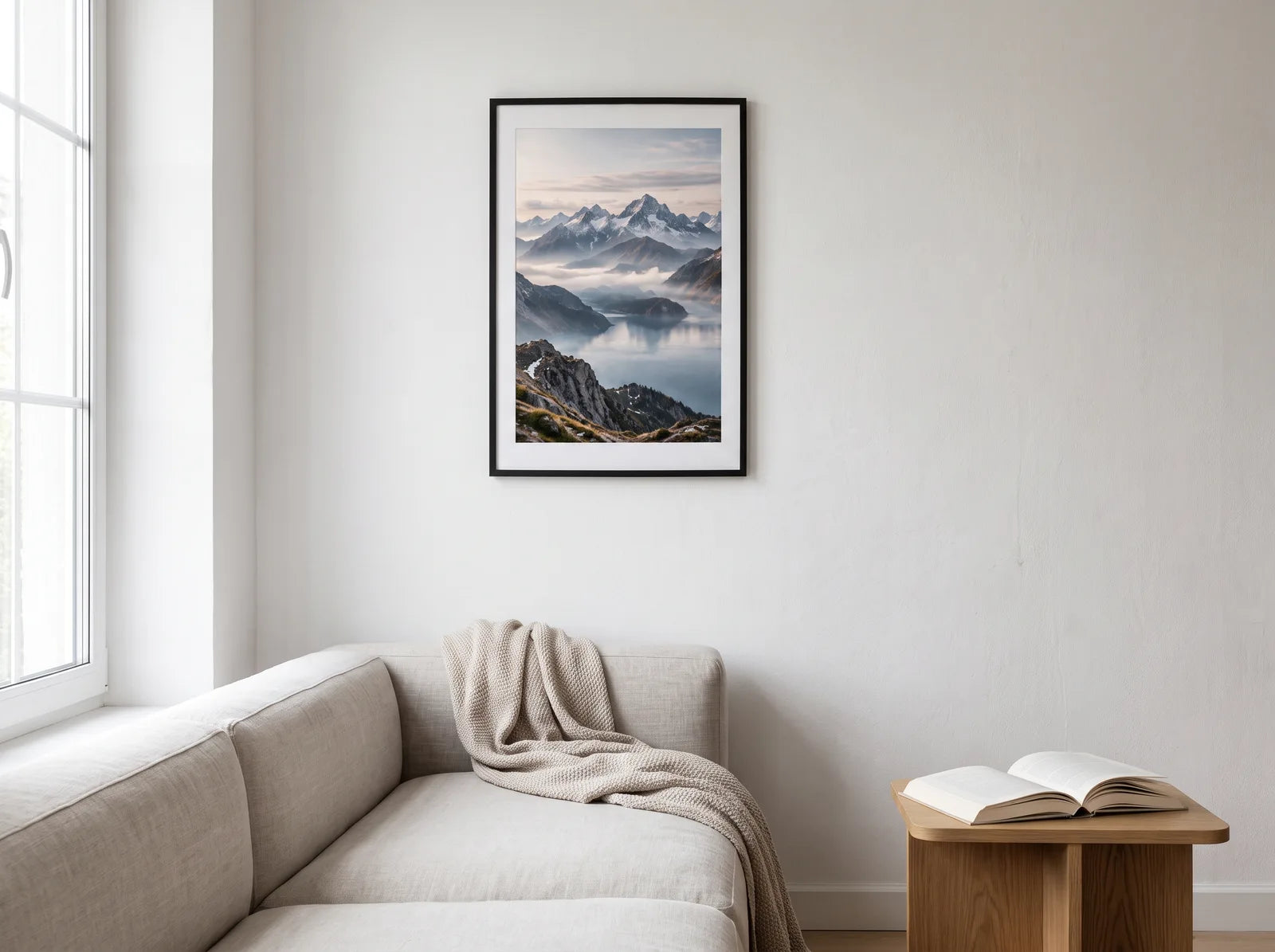
Product visualisation. Colours and reflections vary with light and viewing angle.
MagicPoster on acrylic glass
Glossy depth, clear colour and your favourite design. Printed behind 5 mm transparent acrylic glass — with a Magic-Tag for the interactive experience.
Tax included. · Standard delivery included
Delivery: approximately 4–7 working days.
Your selection: 30 × 40 cm · Without mounting
Without holes or mounting fittings. Choose a suitable mounting solution for your space.
This combination is currently unavailable. Please choose another option.
Producing an acrylic print involves a detailed manufacturing process. Your picture is made only after you order, in your chosen size and with your selected mounting option.
For these made-to-order products, we do not offer voluntary exchanges or returns beyond your statutory rights. Statutory withdrawal rights and rights relating to faulty goods remain unaffected.
Your acrylic artwork and your Magic-Tag arrive in two separate deliveries.
Art with depth
The smooth, glossy surface adds depth to your design. A white backing behind the rear-side UV print brings out the colours. Your separate Magic-Tag connects the artwork to a digital experience.
Set up your picture in the MagicPoster app. Your guests open a guestbook, photo book or Wi-Fi at the picture — without downloading an app.
Hang it up
Put your poster on the wall or a Magic-Tag on your own picture.
Set up in the app
As the owner, connect your picture to your chosen feature.
Let guests explore
Guests hold their phone near the tag or use the QR access.


← swipe for more →
Guests open your guestbook, add a photo and answer your questions. Keep their personal entries together in one place.


← swipe for more →
No more photos scattered across a hundred phones that never reach you. Guests upload their moments straight to your photo book, with a few words alongside.


← swipe for more →
Guests open the Wi-Fi page at your picture to access your guest network. The connection steps depend on their phone.
Two options, one experience. Choose the one that suits you.
Our selected poster designs bring your picture and digital experience together. Your Magic-Tag is included.
The small NFC tag that makes your existing picture connects to a digital feature. Attach it in a suitable place and set it up in the app.
How it works
Hang your MagicPoster or add a Magic-Tag to a picture you already love. Follow the supplied placement instructions.
As the owner, use the MagicPoster app to connect your picture to your chosen feature: guestbook, photo book or Wi-Fi.
Guests hold an phone to the Magic-Tag and follow the displayed access. The supplied QR code offers an alternative.
For NFC access, the device, settings and position need to be suitable. Guest access follows the selected feature.
Your Magic-Tag connects your picture to a digital feature. Choose a guestbook, photo book or Wi-Fi in the app.
Tap a feature to learn more.
A classic way to capture unforgettable memories. Your guests scan the poster and can add an entry without downloading an app . Upload selfies, answer questions and browse the entries together later.
Create a heartfelt journey through time. Start with a personal profile, then add pictures with dates, titles and even audio files (such as grandpa sharing stories from years ago).
Set up your guest Wi-Fi in the app. Guests open the page at your picture and follow the connection steps for their phone. Includes a personal welcome page for guests.
MagicPoster app
Your picture opens the way to your memories. Set it up once, discover it at the picture and experience it together.
Download the MagicPoster app for your smartphone and sign in.
Scan your Magic-Tag and follow the steps in the app. Choose a function and create the content waiting behind your picture.
Your guests hold their smartphone near the Magic-Tag or use the supplied QR code to open the intended access to your content.
Our recommendation
Answer 2 quick questions and we will find the right option for you.
Find a design for your home, with a digital experience built in.
ExploreYour photo as a MagicPoster. Choose a size, upload your file and make it yours.
From €27,45
ExploreA little tag for a picture you already own. Attach it, set it up and let guests discover it.
From €27,45
ExploreFAQ
Find answers to the most common questions about your new MagicPoster.
Guests do not need to download the full MagicPoster app to use the intended guest access. Owners use the app for setup and management. Internet access and a compatible phone are required.
An iPhone or Android phone can open the access at the Magic-Tag. NFC may need to be enabled on Android. You can also use the provided QR access. Wi-Fi connection steps depend on the phone.
The white Magic-Tag connects your picture to the digital experience. Place it as shown in the setup instructions. Its position depends on the picture and frame; metal can interfere with NFC.
As the owner, connect your picture to your chosen feature in the MagicPoster app. Guests hold an phone near the tag and follow the access shown. They can also use the provided QR code.
For configurable MagicPosters and Magic-Tags, choose the feature in the app. Design-specific products may be restricted: the Wi-Fi Cat is intended only for Wi-Fi.
When set up with a Magic-Tag, the guestbook includes 30 entries or the photo book includes 50 moments. Additional allowances and features such as PDF export may cost extra; pricing is shown before purchase. Optional image enhancement during photo upload is charged separately. Design-specific products such as the Wi-Fi Cat are limited to their stated feature.
Standard delivery included. Your acrylic artwork and your Magic-Tag arrive in two separate deliveries.